
Don't be afraid of challenges
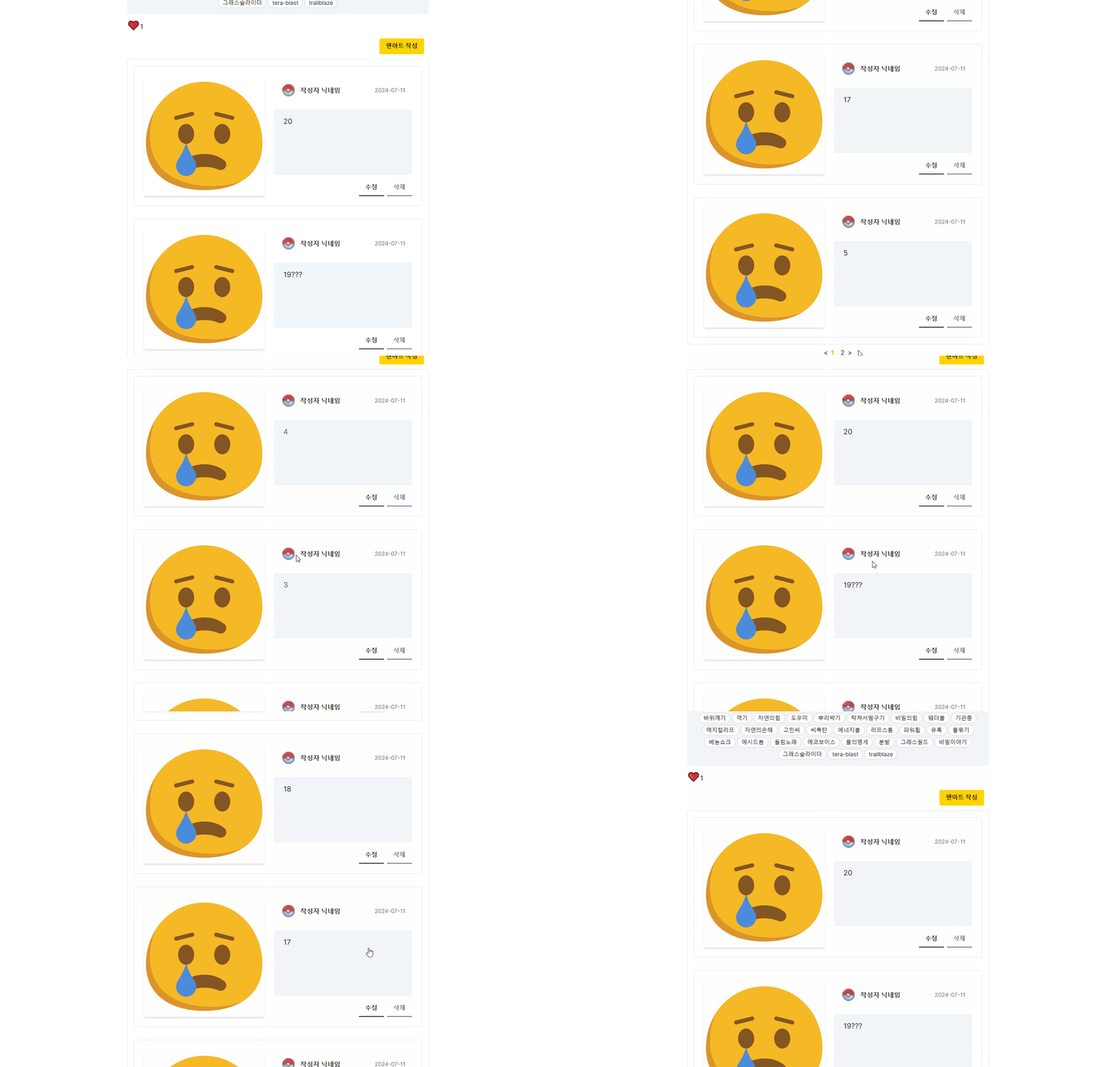
[nextjs] 페이지네이션 본문
// 페이지가 변경될 때마다 다음 페이지의 데이터를 미리 불러옵니다.
useEffect(() => {
queryClient.prefetchQuery({
queryKey: ['fanArt', { page: page + 1 }],
queryFn: () => fetchNextPage(postId, page)
});
}, [page, postId, queryClient]);// 한 페이지에 표시할 아이템 수와 페이지네이션에 표시할 페이지 수를 정의합니다.
export const itemCountPerPage: number = 5;
export const pageCountPerPage: number = 5;
// 다음 페이지의 데이터를 불러오는 함수입니다.
const fetchNextPage = async (postId: string, page: number) => {
  const response = await GET(new Request(`/api/fan-art/read?postId=${postId}`) as unknown as NextRequest, page + 1);
  return response.json();
};
  // 팬아트 데이터를 불러오는 useQuery 훅을 사용합니다.
  const { data: fanArts = [], isLoading } = useQuery({
    queryKey: ['fanArt', { page: page + 1 }],
    queryFn: () => fetchNextPage(postId, page),
    placeholderData: keepPreviousData
  });
 // 페이지네이션 버튼 클릭 시 페이지를 변경하고 부드럽게 스크롤합니다.
  const clickListener = (page: number): void => {
    setPage(page - 1);
    if (sectionRef.current) {
      sectionRef.current.scrollIntoView({ behavior: 'smooth' });
    }
  };
// 데이터를 불러오는 중일 때 로딩 메시지를 표시합니다.
  if (isLoading) return <div className="text-xl font-semibold text-center py-4">Loading...</div>;
// 팬아트 섹션 컴포넌트를 렌더링합니다.
  return (
    <section ref={sectionRef} className="w-full mt-1">
      <FanArtForm postId={postId} />
      <div className="h-[2300px]">
        <ul className="border rounded">
          {fanArts.fanArts.length > 0 ? (
            fanArts.fanArts.reverse().map((fanArt: FanArt) => (
              <li key={fanArt.id} className="rounded p-4">
                <FanArtItem fanArt={fanArt} />
              </li>
            ))
          ) : (
            <div className="text-xl text=[#212121] font-semibold text-center py-8">아직 팬아트가 없어요🎨</div>
          )}
        </ul>
      </div>

      <div className="text-center">
        {fanArts.fanArts.length > 0 && (
          <Pagination
            maxPage={Math.ceil(fanArts.count / itemCountPerPage)}
            itemCountPerPage={itemCountPerPage}
            pageCountPerPage={pageCountPerPage}
            clickListener={clickListener}
          />
        )}
      </div>
    </section>
  );
};
'nextjs' 카테고리의 다른 글
| [트러블 슈팅] 데이터 업데이트 후 바로 업데이트된 데이터 불러오기 (1) | 2025.01.15 |
|---|---|
| 쿼리 파라미터를 이용한 검색로직 구현 (0) | 2025.01.12 |
| [nextjs] contextAPI로 alert, modal창 만들기 (1) | 2024.07.10 |
| [nextjs] 좋아요 기능 구현 + 낙관적 업데이트 (0) | 2024.07.10 |
| [nextjs] Rendering (0) | 2024.07.03 |
'nextjs' Related Articles
more
